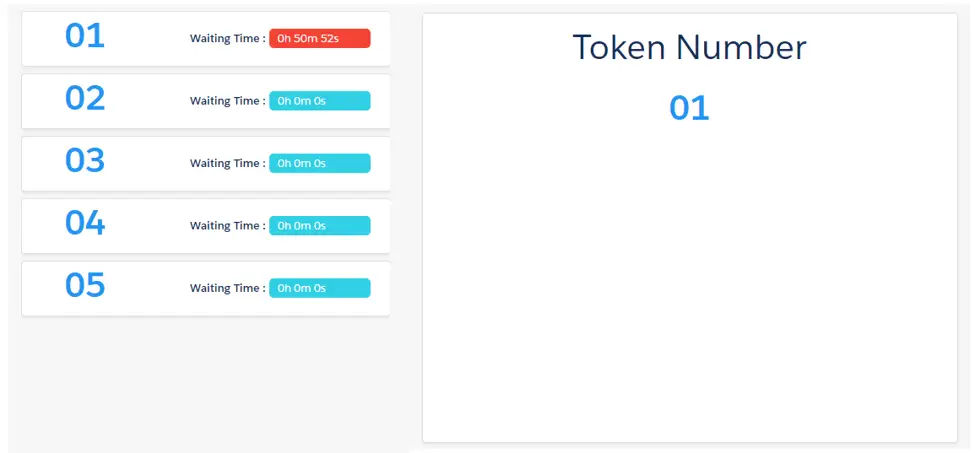

Queue Management & Self Check-In Built for Faster Service
Reduce wait times, improve customer flow, and streamline in-store operations using Salesforce booking and scheduling software with Salesforce-native Queue Management from Axolt.
Book a demo
Stop Losing Customers to Long Wait Times
Manual queue handling creates frustration and poor visibility. Axolt centralizes scheduling workflows into one intelligent platform.
Operational Transformation
- Poor Status Visibility
- Overloaded Desks
- Disconnected Systems
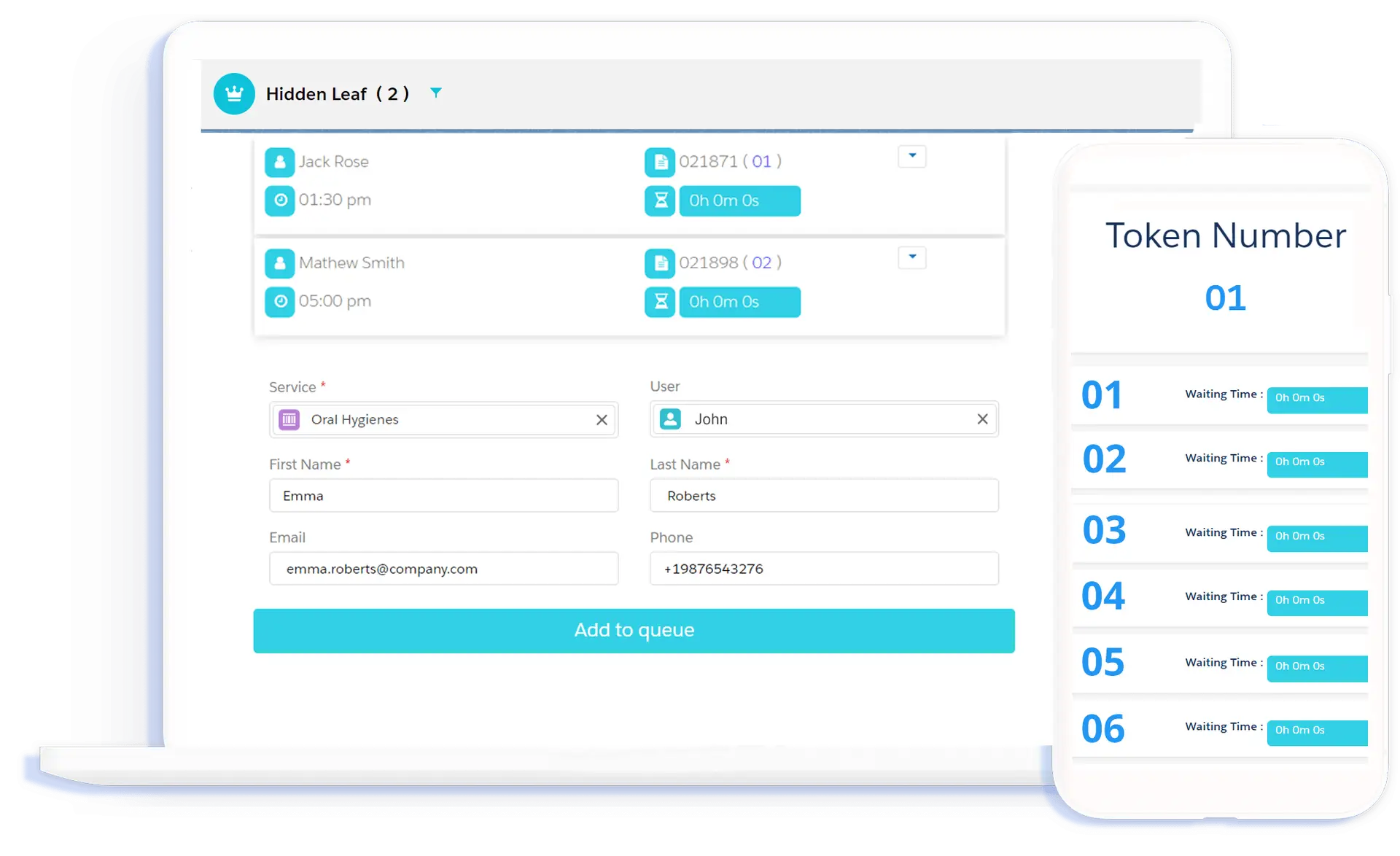
- Digital Token Generation
- Real-time Wait Tracking
- Native Salesforce Sync
Self-Service Check-In
Contactless check-in and digital tokens reduce front desk workload and congestion.
Intelligent Allocation
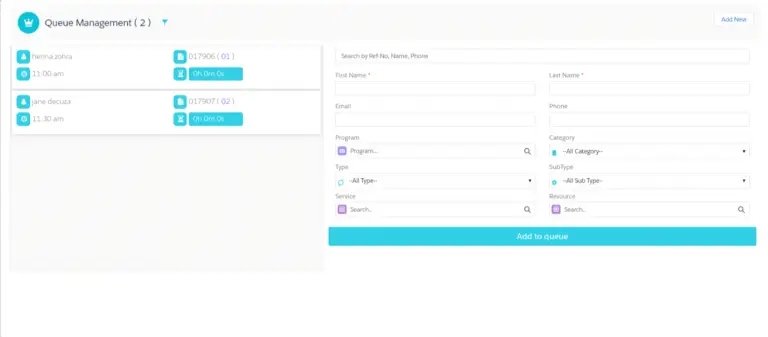
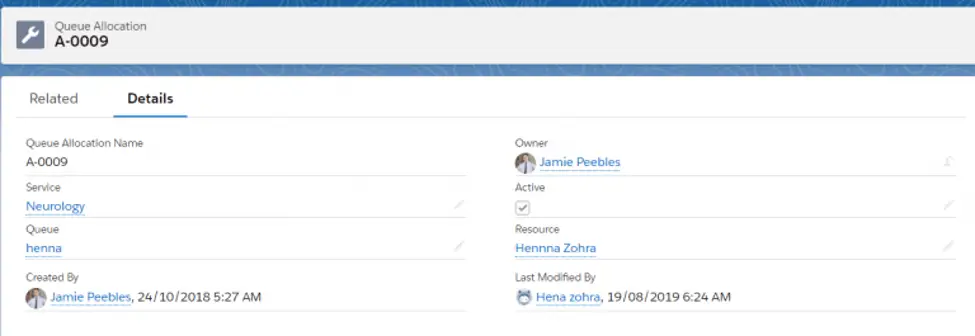
Automatically assign customers to the right queue based on service type and staff availability.
Multi-Location Visibility
Monitor real-time wait lists and service metrics across all branches from one dashboard.

Empower Staff with Operational Visibility
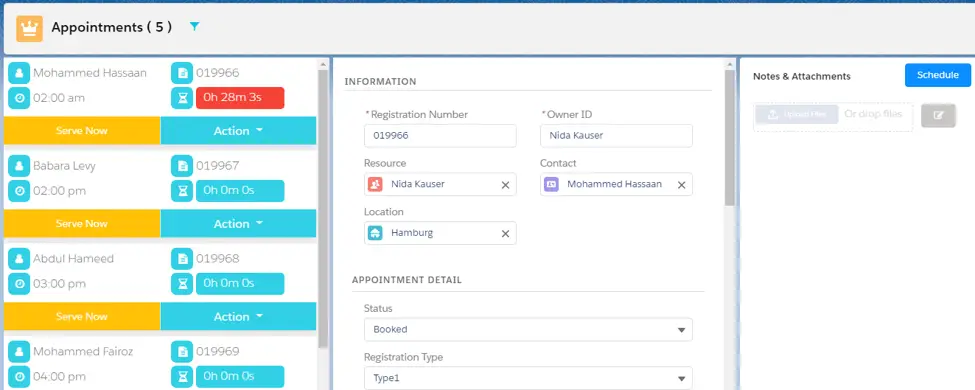
A centralized workspace for handling customer interactions, from 'Serve Now' queues to appointment rescheduling.
- Appointment & Walk-in Coordination
- Service Completion Tracking
- Real-time Queue Prioritization
Predictive Queue Optimization
Optimize staff allocation and improve flow using AI-powered operational insights.
Peak Prediction: Automatically predict peak times and recommend staffing adjustments.
Trigger SMS notifications and tokens automatically based on real-time flow.
Identify and surface service delays before they impact the customer experience.
Queue Management Connected Across Your Service Environment
Axolt connects queues, appointments, check-ins, room scheduling, and operational workflows in one Salesforce-native platform.
Appointment Scheduling
Connected with appointment scheduling for live booking and arrival coordination.
Check-In Kiosk
Integrated with self-service kiosks for digital token and guest flow management.
Room Booking
Connected with room scheduling to coordinate service locations and branches.
Ready to Modernize Queue Management?
Improve customer flow and reduce wait times using connected scheduling workflows with Axolt on Salesforce.
Book a demo